
Designing for Systems, Not Just Screens
How I helped bring structure, clarity, and scalability to a mission‑critical B2B platform
Team
4 teams
Timeline
1 Year
My Role
Product Designer
Projects (under NDA)
Mission planning and database management systems (6 modules) - 5 months
Drone systems: Planning, Live mission to analysis - 3 months
Telemetry projects - 2 months and WIP
Internal product-WIP
First let me tell you about
projects process
When I joined company, I wasn’t just entering a new company — I was stepping into a completely new world.
A world of scientists, mission data, offline systems, and high-stakes decisions. There were no perfect briefs, no polished roadmaps — only evolving requirements, technical complexity, and a product trying to find its structure.
The Situation
A fast-scaling, complex product with fragmented knowledge and no unified UX foundation
The Challenge
Bring structure to ambiguity and consistency to chaos in an offline environment with no access to internet
The Outcome
A scalable design system, clearer workflows, and better collaboration across teams

There was no shared structure. Over time, clarity got diluted.
Our Team
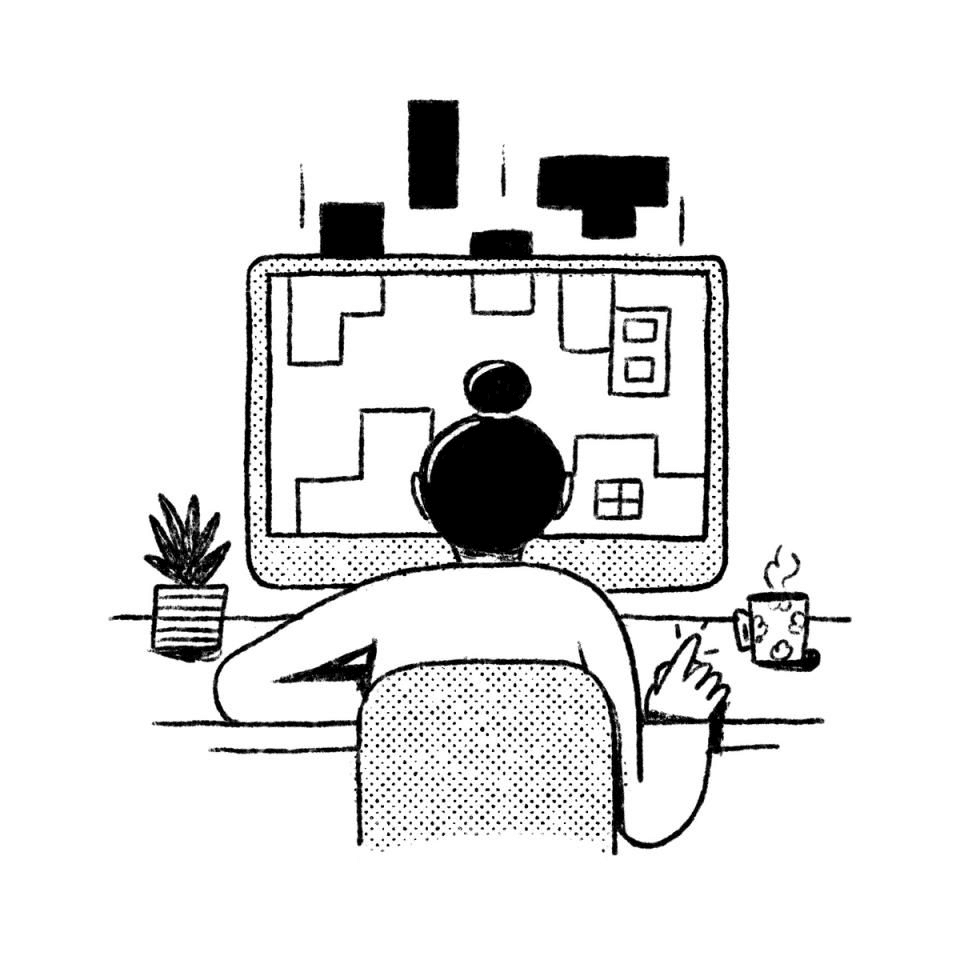
In many meetings, I noticed scientists and developers often spoke in different languages. Requirements were passed through conversations, handwritten notes, or recorded walkthroughs.
Developers

End-user's

Scientists
Key Problems faced by the team
80% Knowledge lived in people’s heads
Designs were explained verbally and thorugh screenshots, not systematically
New team members struggled to catch up because of offline setting
Poor user experience and constant need to request changes from the client
"My role slowly evolved from a supporting designer to someone who helped bring structure, consistency, and long-term thinking across the system".
PROBLEM 1 - No system
Design system, but a guidebook
PROBLEM
Designs were explained verbally and through screenshots, not systematically
in a offline setting. 200+ screens were developed through the help of the prinouts.
Introduced Design System - 50% problem solved

Introduced a design system with 30+ components , typography, assets, local icon library and many more items.
It acted as the centralized design system and a preset for a developer to develop any screen in any setting
But the main problem was how to onboard the developers for the design system
HWM
How might we create a centralized way to onboard and effectively communicate the design system to the developers in any setting and organize feedback?
Solution

Design system documentation and Presentation
A presentation for the design system. Where every asset is annoted, usecase is explained along with the case where to use in a absence of design
Introducing the constraints in design.
Developer Feedback
10 developers fond it useful, and added in the development process.
3 developers suggested to make a centralized library so a developer in an project can use.
After testing on 15 developers and 3 projects
The developers tried to inco-operate for our main project, and reduced queries by 30%.
It failed when the design system was introduced for a dark mode.
PROBLEM 2 - Product & System Design
Scattered Knowledge & Communication Gaps
PROBLEM
The project heavily relied on verbal discussions, offline meetings, and scattered notes. There was:
No centralized knowledge or documentation hub
No shared understanding of flows across teams
Design handoffs were happening via video walkthroughs only
Team
Project manager
Timeline
2 weeks (December)
My Role
Product Designer
Goal
By sitting in multiple requirement discussions and observing repeated questions from developers and scientists, I noticed
How I Identified It
By sitting in multiple requirement discussions and observing repeated questions from developers and scientists, I noticed:
Same concepts being explained multiple times
Inconsistencies in how features were being interpreted
Knowledge loss across team members
Multiple change requests for the developed and confirmed flow
For project and tech team

I built a structured communication layer by:
Creating detailed user flows and system flows
Writing clear user stories mapped to actual user roles (operators, mission planners, analysts)
Introducing a centralized design and documentation approach
For scientist

Building offline shareable prototypes for better alignment
Mom and a requirement is shared for first 3 discussions and signed for better alignment and clarity
Creating design as a bridge between tech team and client.
This significantly reduced dependency on verbal knowledge and made onboarding smoother for new team members and scientist
Impact
Reduced design–development clarification cycles by ~40–50% over the project timeline.
Decreased dependency on repeated verbal explanations by ~60% by replacing them with user stories, feature based document and signed client documents
Reduced requirement rework during development by ~25–30% through clearer handoffs and aligned user stories.
PROBLEM 2 - Usability & User Experience Problems
Scattered Knowledge & Communication Gaps
PROBLEM
User workflows were designed mainly from a technical/system logic, not from an operator’s or analyst’s behavior.
As a result:
Flows were long and mentally taxing in a small 7 inch screens
Screens were overloaded with information
High-frequency tasks were not optimized for speed or clarity
Interfaces felt functional but not usable under pressure
Projects
3+ telemetry projects
Team
EW Engineers for (lab view)
Duration
June-october
How I Identified It
I identified this through a mix of observation, walkthroughs, and internal reviews:
While attending product demos and internal testing sessions, I noticed users and analyst's hesitated frequently during critical steps.
I mapped existing workflows and saw that many flows had unnecessary steps and repeated decision points.
I reviewed task sequences with scientists and realized that flows were correct from a system perspective but didn’t match how users actually thought or operated under mission conditions.
I observed information overload — important data was present but not hierarchy-driven, making scanning difficult.
The gap was clear: The system was technically accurate, but cognitively heavy. And has to legacy system of tool
Iteration#1

Instead of directly redesigning screens, I started with behavior and workflow logic.
Reconstructed key user journeys and reduce the dependency on tree structures based on the problems.
Reduced steps in high-frequency tasks by combining or reordering actions
Rebuilt information architecture of each flow: Functionality over design.
Designed flows suitable for both large screens and tablet environments
This significantly reduced flow complexity and cognitive load in core modules.
Follow-up Problem
After simplifying flows, I noticed a second-level issue:
Even with better flows, users still struggled with:
Recognizing critical data quickly
Not familiar with the UX pattern
Importance of graphs and maps
Switching context between different modules
Handling dense telemetry and mission data fast enough under pressure
The problem shifted from flow complexity to information interpretation and prioritization
Solution – Second Iteration

In response, I focused on cognitive clarity and information design:
Introduced clear visual hierarchy using size, grouping, and spatial logic
Created structured layout zones for frequent vs secondary information
Standardized patterns across modules so users didn’t need to relearn behavior
Optimized for low-light and field scenarios by adjusting contrast and layout density
This improved not just task completion, but decision confidence under high-stress conditions.
Final Reflection
This project changed how I see design. It taught me that good product design isn’t just about screens — it’s about translating complexity into clarity, and helping people think better inside complex systems.
Key Takeaways: • I design for systems, not surfaces • I bring structure to ambiguity • I build for scale, not just launch • I help teams think alongside design

Next Project to Read
LIVE
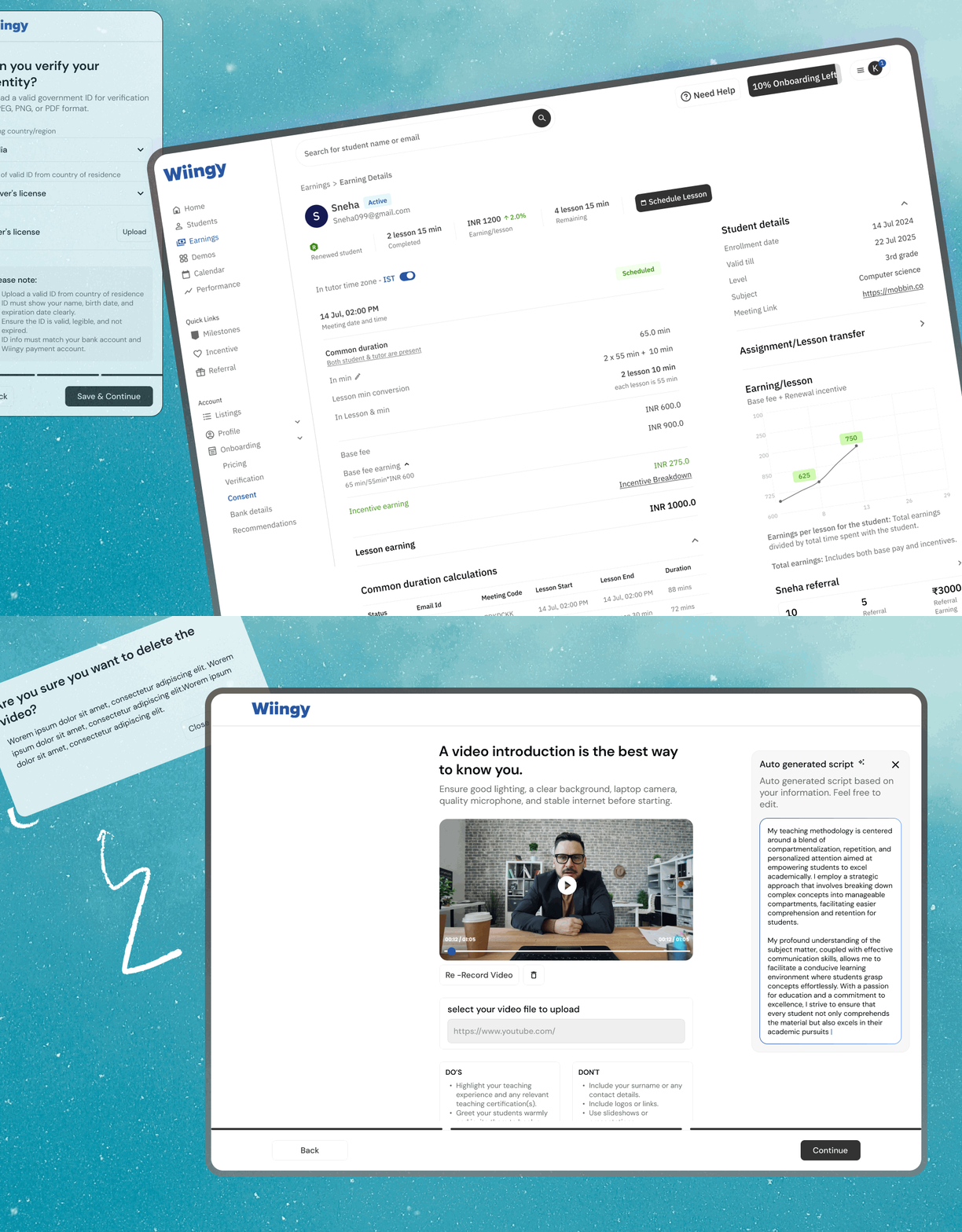
Designing Wiingy’s
Tutor Platform from 0→1
Jan 2024-Jul 2024
Learn how Wiingy increased user conversion by 60% through revamping their tutor platform
Projects
Tutor platform
Student App
Defense Projects
Contact
Notion
Email Me
Dribble
© 2025 Kritika singhal. All Rights Reserved.
Made with 🩶 and Strawberry Matcha Lattes (120% sugar, less ice).